There are two different ways in SkySlope to set up an Unlicensed Assistant and the agents they serve, depending on the way in which the ULA works.
Broker Suite (Brokerage Management)
Requirements:
- The ULA is employed under one Brokerage, or
- The Brokerage is set up on the (free or paid) version of the Brokerage Management Suite.
Instructions:
- Contact SkySlope to give the ULA access to the agent accounts they serve.
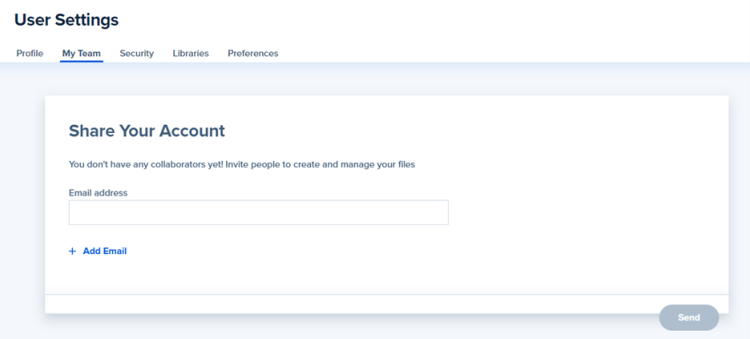
My Team Settings
Requirements:
- ULA works with multiple agents in more than one Brokerage.
Instructions:
- ULA creates an account using their preferred email through the SkySlope Forms login page here. Login will always be through the SkySlope Forms login page.
- Agents share their account with the ULA account through My Team function in SkySlope (see image below). When prompted, you should enter the ULA’s preferred email created in Step 1.