
Is your listing actually in the right community on the MLS® System? It might sound minor – but it’s a big deal, and it’s one of the most common issues we hear about.
Why the Right Community Matters
It’s your responsibility
MLS® Rule 3.01 requires Members to ensure ALL listing information is accurate, no exceptions. Errors that aren’t corrected can result in penalties – $1,000 for a first breach and $2,000 for a second breach.
Buyers notice (and so will you)
For example, a buyer searching for a home in the heart of Grand Bend expects the community to be listed accurately as Grand Bend — not 15 minutes away, which can lead to disappointment and a loss of trust in the profession.
It wastes time
Incorrect communities = messy searches, extra vetting, and frustrated buyers.
It’s required
MLS® Policy 5.02 requires listings to be entered in the true geographic location, including the correct community.
Postal Code Address vs Property Location
This one’s important
A postal (mailing address) does not always match a property’s physical location – especially in rural areas or new developments. The postal code directs mail to a specific delivery route, while the property location defines a precise, fixed geographical spot. Relying on this information is not enough, verification is required.
Tools to Help
- Use Map Search in REALM® or Matrix™ – this will capture all listings within that area even if they are listed in the wrong community.
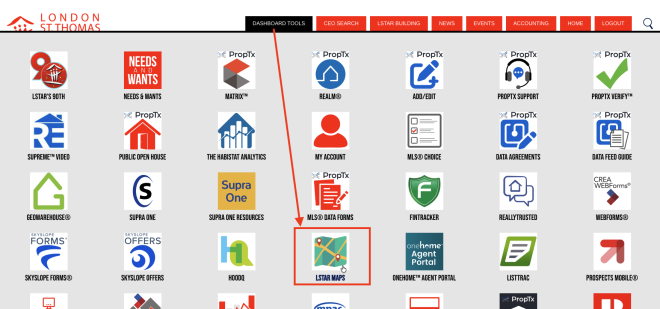
- On the LSTAR Member Hub, click LSTAR Maps, and use the PropTx Maps Tool to confirm the correct geographic layers before listing.
Spotted a Listing with the Wrong Community?
Help keep the MLS® accurate.
Email mls [at] lstar.ca (mls[at]lstar[dot]ca) with the following information:
- MLS® number
- Property address
- Indicate that the community needs correcting